

The settings described on this page are located in the ComfyUI in-app settings menu. You can open it by navigating to Settings (gear icon) or using the
Ctrl + , keyboard shortcut, then select the corresponding category to view and configure these options.Settings (gear icon) —> Keybinding.
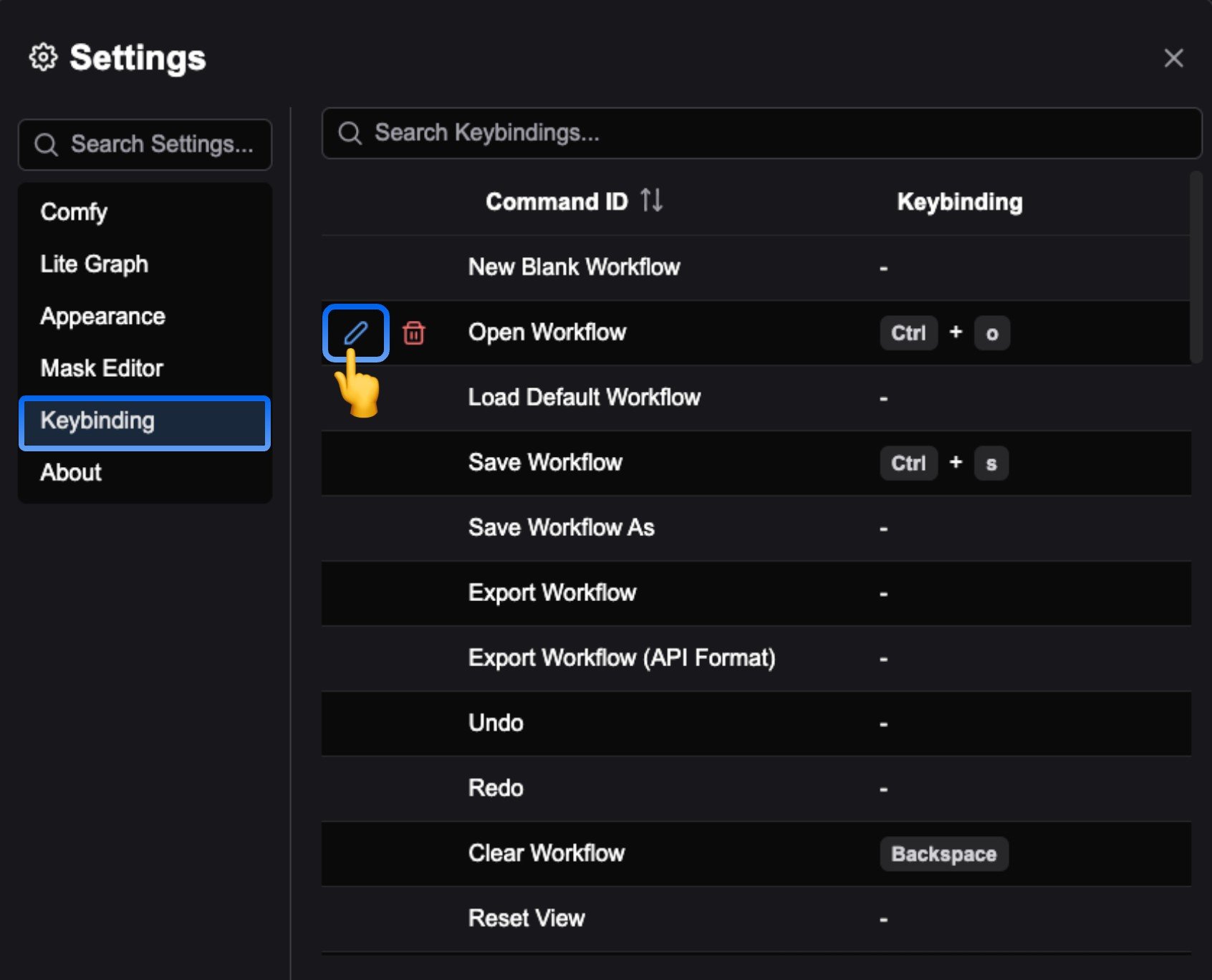
edit icon before the corresponding command to customize the shortcut.
Below is the current list of shortcuts for ComfyUI, which you can customize as needed.
- Windows/Linux
- MacOS